Streamlining Reception at Clinics and Dental Offices: Zero Missed Visitors, Zero Mixed-Up Handoffs
At dental offices with multiple practitioners treating patients at once, it's often unclear at the front desk which practitioner a visitor is actually there to see. And at clinics where the entrance is separated from the reception desk - or locked with an auto-lock system - staff sometimes don't even notice a visitor has arrived. This article explains how an iPad reception app solves both of these problems. See our clinic reception page for an overview of how the app fits medical practices specifically.
Common Front-Desk Challenges at Medical Practices
- Handoffs by phone or intercom take extra effort and add delay to every interaction
- Staff mid-treatment can't step away, so response is slow
- No one knows who's where, making visitor handling dependent on whoever happens to notice
- Records live on paper or in memory, making them hard to check after the fact
None of this is about patient care itself - it's about routing visitors to a practice: vendors, pharmaceutical reps, prospective tenants touring the space, patients' family members, and so on. Two patterns come up especially often.
Pattern 1: Dental Offices with Multiple Practitioners and Chairs
Dental offices frequently have several practitioners treating patients at the same time, and front-desk staff can't always tell which one a visitor is there to see. You can't interrupt a dentist mid-procedure to ask, so responses get delayed - or the wrong practitioner ends up handling it.
With an iPad reception app, a visitor simply selects who they're there to see (by practitioner or department) on the tablet, and a notification lands in the matching Slack, Chatwork, or Teams channel. Staff can check it on their phone even mid-treatment, which prevents mix-ups.
Pattern 2: Clinics Where the Entrance Is Separated from Reception
Practices offering elective or cosmetic procedures, or clinics designed with extra privacy in mind, sometimes have an auto-locked entrance or an entrance located away from the reception desk. In these layouts, visitors can arrive without anyone noticing, which forces staff to periodically walk over and check - an inefficient use of time.
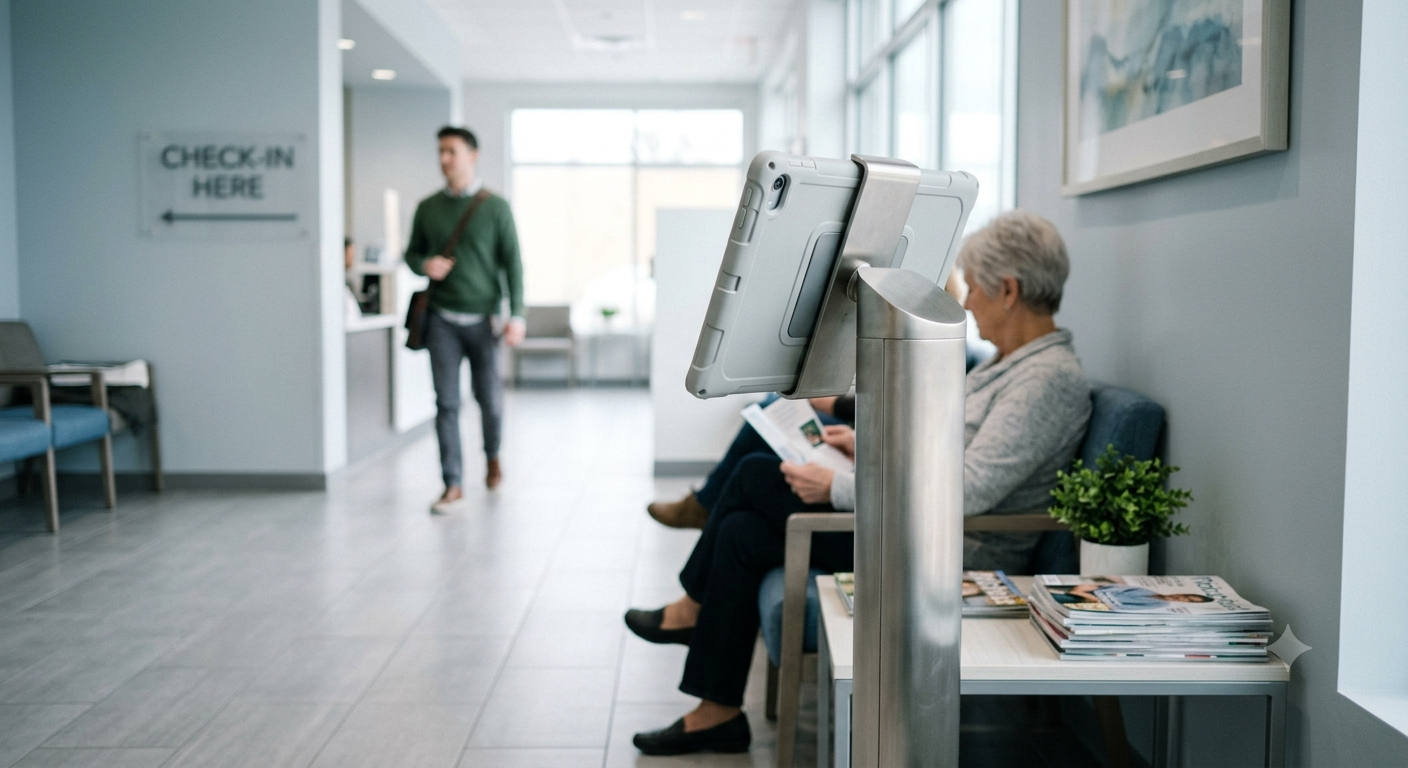
Placing a reception tablet near the entrance solves this: the moment a visitor taps a button, a notification lands directly in staff's hands, so no one has to keep watch.
What a Reception App Can Do for You
- Automatic notification as soon as a visitor selects who they're there to see and their purpose
- Choose Slack, Chatwork, or Microsoft Teams as your notification destination
- Notifications reach staff working remotely, too
- Visitor history can be exported as a CSV file
- No construction required - just an iPad or Android tablet and a stand to get started
You can review the full feature list on our clinic reception page. For how this compares to other reception apps, see our reception app comparison article.
Implementation Notes: Handling Personal Information
Medical practices need to be especially careful with personal information. This app keeps visitor data on the device itself and does not send it to the cloud (only the minimal data needed to relay a chat notification is processed temporarily, then discarded once delivered). It is not designed for entering patient treatment information - it's a simple, purpose-built tool for routing visitors.
FAQ
Can this be used to manage patient check-in?
This app is purpose-built for routing visitors such as vendors and other non-patient guests to the right staff member. It does not include appointment scheduling or patient intake features.
Can notifications be routed differently for each practitioner?
Yes. Each button can be configured with its own notification destination, so you can route notifications by practitioner or by department - for example, "Dr. A's button → Dr. A's Slack" and "Dr. B's button → Dr. B's Chatwork."
Do we need any construction or wiring work?
No. All you need is an iPad or Android tablet and a stand. As long as you have Wi-Fi, no wiring is required.
Does it integrate with Slack, Chatwork, or Teams?
Yes. It supports all three: Slack, Chatwork, and Microsoft Teams. You can send notifications to whichever tool your practice already uses.
How to Start Your 30-Day Free Trial
Reception With App offers a 30-day free trial. No registration or inquiry required - simply install the app and you can immediately try out automated iPad reception. Available for both iPad and Android.
Start for Free Right Now
¥980/month (incl. tax) on App Store, ¥960/month (incl. tax) on Google Play
Zero initial costs, no contracts
Eliminate mixed-up handoffs and missed visitors, and give your staff more room to focus on patient care.