Law Firm & Accounting Office Visitor Check-In: Greet Every Client Without a Full-Time Receptionist
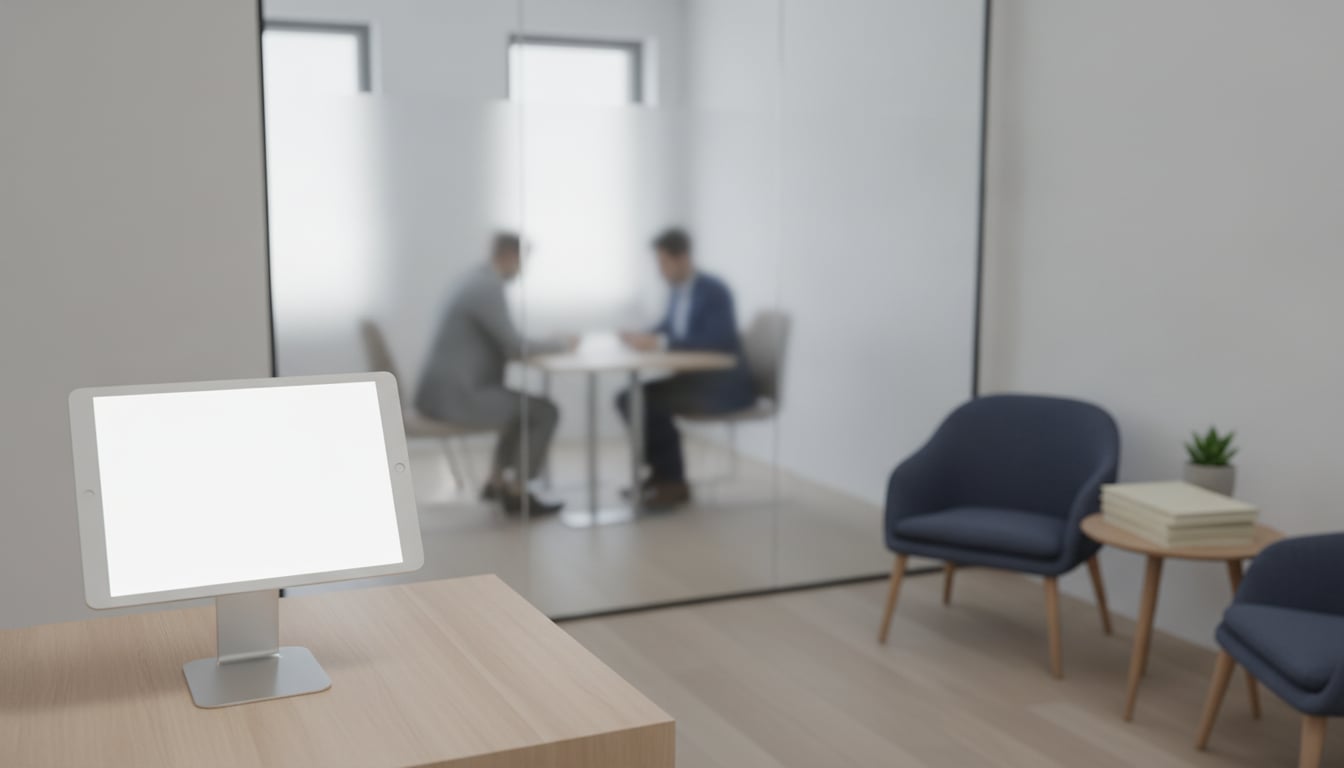
You're 20 minutes into a consultation, the client across the table is finally explaining the details that matter, and you hear the front door open. Nobody is at the desk. Your paralegal is on a call, and your 2:30 appointment is now standing in an empty lobby wondering if they got the time wrong. A simple law firm visitor check-in setup closes that gap: the client taps a tablet, and the right person gets a message within seconds.
This post covers why small law and accounting firms struggle at the front desk, how to keep visitor records confidential, how a tablet check-in app works in practice, and what it takes to set one up.
Why small law and accounting firms struggle at the front desk
Most firms with 2 to 15 people don't have a receptionist. The front desk is covered by whoever happens to be nearby, which works until everyone is busy at once. That's exactly when clients tend to arrive, and it's why law firm visitor check-in is a bigger problem for small practices than for large ones.
Attorneys and CPAs can't leave a client meeting to answer the door
Walking out of a consultation to greet the next person sends the wrong signal to the client you're with. Ignoring the door is worse for the client who just arrived. Early arrivals make it harder still: a client who shows up 15 minutes before a consultation may sit unnoticed until someone happens to walk past the lobby.
Tax season turns the lobby into a drop-off point
From January to April, the accounting firm front desk becomes a mailroom. Clients stop by unannounced with W-2s, 1099s, and shoeboxes of receipts. Most visits take two minutes, but each one needs someone to accept the envelope and confirm it reached the right preparer. Spread across a busy week, those interruptions add up fast.
A full-time receptionist is hard to justify for a few visitors a day
A full-time receptionist typically costs well over $30,000 a year in wages before benefits. If your office sees five to ten visitors a day, that's a lot to spend on greeting people. A check-in app costs $9.69 a month, about $116 a year, and it covers the part of the job that matters most: making sure someone knows a client has arrived.
Client confidentiality starts at the sign-in sheet
Clients expect discretion from their lawyer or accountant before they even sit down. The lobby is the first place that expectation can be broken.
Paper logs show every client's name to the next visitor
A clipboard on the counter shows every name above the line you're signing on. In a family law, estate planning, or bankruptcy practice, that alone can reveal sensitive information. Good visitor management for small law offices means a visitor sees only their own check-in screen, never the people who came before them. With a tablet, each check-in is a private tap, and the screen resets for the next person.
Keep visitor records on the device, not in someone else's cloud
Reception With App stores visitor records on the tablet itself. It doesn't upload them to our servers. You can export or delete the log from inside the app whenever your retention practice calls for it. If the tablet is lost or stolen, you can erase it remotely with Find My iPad or Find My Device.
One caveat: the notification itself passes through your chat tool. Keep the fields you ask for to a minimum, such as a first name and the purpose of the visit, and save the details for the conversation in your office. This doesn't make you compliant with any particular rule, but it makes it easier to protect client confidentiality.
How a tablet check-in app works in a professional office
The setup is one iPad or Android tablet on the front counter, running a check-in app connected to the chat tool your team already uses. The client taps a button and the app sends a notification. Nothing else is needed.
Separate buttons for each type of visit
Create a button for each common reason clients come in, and send each one to a different person or channel:
- Scheduled appointment: notifies the attorney or CPA handling the matter, or a shared channel for the whole team
- Dropping off documents: goes to the office manager or the staff member who logs incoming paperwork
- Other: goes to a general channel for deliveries, vendors, and unexpected visits
During tax season, the drop-off button alone keeps preparers from being pulled away from returns every time someone hands in an envelope.
Alerts reach attorneys in Slack or Teams, even when they're out of the office
Notifications go to Slack, Microsoft Teams, or Chatwork. You can send each one to a channel or a direct message. An attorney at the courthouse sees the alert on their phone and can ask a colleague to greet the client or text the client that they're running ten minutes behind. Slack and Chatwork work on their free plans. Teams requires a paid Microsoft 365 plan.
Add your firm's logo and a welcome message
You can change the buttons, images, and background to match your office. Add your firm's logo and a short line such as "Please take a seat; we'll be right with you." Clients will see a branded check-in screen that tells them what to do next.
Setup and cost: about 10 minutes, $9.69/month
Setting up your accounting firm front desk or law office lobby takes four steps:
- Place an iPad or Android tablet on a stand by the entrance.
- Download Reception With App. You don't need to create an account.
- Connect Slack, Teams, or Chatwork by signing in and allowing access, then set up your buttons and pick a channel for each one.
- Lock the screen with Guided Access on iPad or app pinning on Android so visitors can't leave the app.
Most offices are up and running in about 10 minutes. It costs $9.69 a month on the App Store (Google Play pricing varies by region). There's no setup fee and no sales call, and the first 30 days are free. Billing is month-to-month, and you can cancel anytime.
For step-by-step details, see our guides to iPad kiosk mode, replacing a paper visitor log book, and Slack reception notifications.
FAQ
Where is client visitor data stored?
On the tablet. The app does not upload visitor records to a cloud server. You can export or delete them from inside the app, and if the tablet is lost you can erase it remotely with Find My iPad or Find My Device.
Can one tablet notify different attorneys?
Yes. Each button can notify a different channel or DM, so a scheduled consultation can go to the attorney handling it while document drop-offs go to your office manager.
What happens after the free trial?
It costs $9.69/month on the App Store (Google Play pricing varies by region). Billing is month-to-month with no setup fee, and you can cancel anytime.
Takeaway: a professional first impression without adding headcount
Clients judge your firm before the meeting starts. If they wait in an empty lobby or sign a sheet full of other clients' names, that first impression suffers. A tablet-based law firm visitor check-in lets every client announce themselves privately, alerts the right person right away, and keeps the records on a device you control. Try it free for 30 days and see how your front desk runs during your busiest week.
Start free today
$9.69/month on the App Store · No signup, no sales call · 30-day free trial