The Complete Guide to Unmanned Reception [For Small and Medium Businesses]: Start with One Tablet in 10 Minutes
"Who's picking up the intercom?" "Whose turn is it at the front desk today?" If conversations like these happen at your office every day, you're not alone. You're not big enough to justify hiring a dedicated receptionist, but someone always ends up handling it anyway. That's exactly the situation where unmanned reception delivers the most value.
This article walks through everything you need to set up unmanned reception starting from a single tablet - the steps, the cost, and how to choose the right solution.
What Is Unmanned Reception?
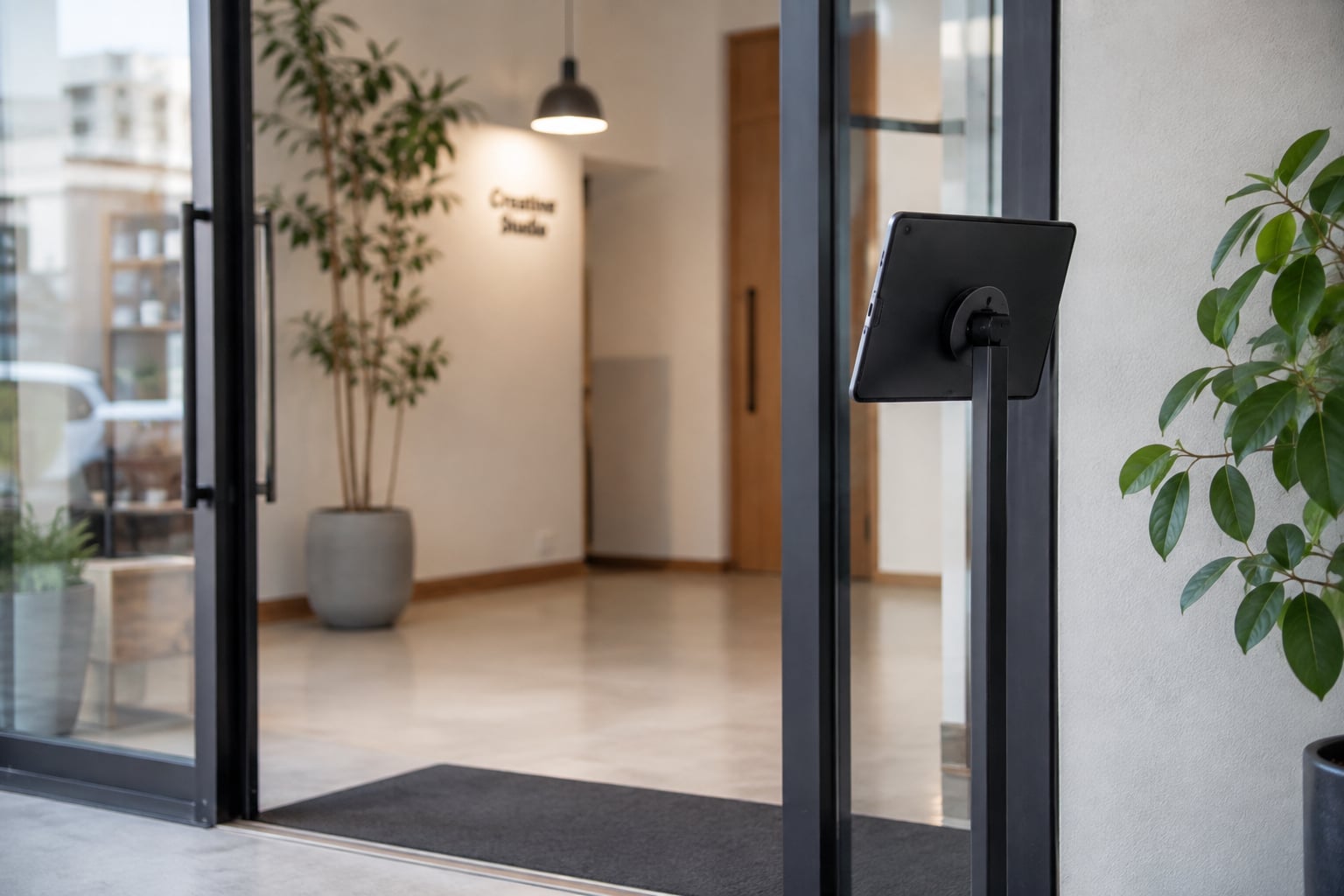
Unmanned reception is a system that automates, via a tablet, what used to require a person stationed at the front desk or a rotating duty for answering the intercom.
Many small and medium businesses can't afford a dedicated receptionist, so every time the phone or doorbell rings, someone has to stop what they're doing to handle it. An unmanned reception app automates that handoff work entirely.
A visitor enters who they're there to see and their name on a tablet, a chat notification goes straight to the right staff member, and a visitor record is saved automatically. No dedicated staff needed - you get fewer people tied up, lower costs, and no more missed visitors, all at once.
Benefits of Implementing Unmanned Reception
Automates reception work and eliminates the burden on staff
The moment a visitor arrives, a notification goes out instantly to Slack, Chatwork, or Microsoft Teams. There's no need for a reception rotation or an intercom duty - everyone can stay focused on their actual job.
No inquiry needed - get started right away
Setting up Reception With App is as simple as downloading and configuring the app. There's no sales call to schedule, no unwanted follow-up emails or phone calls. Even the 30-day free trial is handled entirely within the app.
Zero setup cost, under $10/month
$9.69/month on the App Store (Google Play pricing varies by region). No initial cost and no contract lock-in, so you can start small. Compared to the cost of hiring a dedicated receptionist, the value is dramatically better.
Up and running in as little as 10 minutes
Just install the app and connect your chat tool. No construction work and no IT expertise required.
Visitor data is never stored in the cloud
Visitor information stays entirely on the device and is never accumulated in the cloud. If a tablet is lost, you can rely on the OS's remote wipe feature. That makes it a safe choice for workplaces that take privacy seriously.
How Unmanned Reception Works (The Tablet Reception Flow)
- Visitor uses the tablet: On the iPad or Android tablet placed at reception, the visitor enters who they're there to see, their name, and their purpose
- Automatic notification to staff: The visit details are delivered in real time to Slack, Chatwork, or Microsoft Teams
- Staff responds: The notified staff member heads to reception to greet the visitor
- Visitor record saved automatically: History accumulates within the app, useful for security and audit purposes
Setup Steps: Get Started in as Little as 10 Minutes
Step 1: Download the App
Search for "Reception With App" on the App Store or Google Play and install it on the tablet you plan to use for reception.
Step 2: Connect Your Chat Tool
In the app, open Edit → Add Destination, sign in to Slack, Chatwork, or Microsoft Teams, authorize access, and choose the channel that should receive notifications. See the following for details on each:
- How to Set Up Slack Integration
- How to Set Up Chatwork Integration
- How to Set Up Microsoft Teams Integration
Step 3: Customize the Reception Screen
Choose from industry-specific templates (office, salon, clinic, school, real estate, and more) and configure your button text and visit-purpose categories.
Step 4: Place the Tablet and You're Done
Set the tablet up on a stand at your reception counter or near the entrance, and you're live.
What to Look For When Choosing a Solution
Support for the chat tool you already use: check whether the app supports Slack, Chatwork, or Teams - or ideally, all three. Reception With App supports all three natively.
Privacy and data handling policy: some services store visitor data in the cloud. Check the data policy before you commit.
Transparent pricing: services that require an inquiry before you can see pricing are sometimes hiding unclear costs. Reception With App publishes its pricing directly in the app, the App Store, and Google Play.
A free trial: choosing a service with a trial period lets you confirm it fits your actual workflow before committing.
For a detailed comparison across services, see our reception app features and pricing roundup.
FAQ
Q. Can we set this up without an IT staff member?
A. Yes. All you need to do is install the app and connect your chat tool - no specialized knowledge is required.
Q. Does it work on both iPad and Android tablets?
A. Yes, both are supported. You can use tablets you already own as-is.
Q. Can we roll this out across multiple locations?
A. Yes. Installing the app on a tablet at each location lets you deploy it across multiple sites.
Q. Can I cancel at any time?
A. Yes. Since it's a subscription through the App Store or Google Play, there's no contract lock-in and you can cancel whenever you like.
Q. Where is visitor data stored?
A. Entirely on the device - it is never stored in the cloud. (This excludes any backups the device's OS itself performs.)
Try It Free Right Now
Reception With App offers a 30-day free trial. No inquiry needed, no sales calls - just download the app and get started right away.
Start for Free Right Now
$9.69/month on the App Store (Google Play pricing varies by region)
Zero initial costs, no contracts, 30 days free