Visitor Check-In for Multi-Location and Franchise Businesses
A franchise salon in one city runs a tight, professional front desk. The sister location two towns over has a handwritten sign-in sheet and a phone that rings during appointments. Multiply that inconsistency across ten, thirty, or a hundred storefronts, and it stops being a minor quirk and becomes a brand-wide problem. Headquarters can't see it happening, customers notice it every time, and no manual policy memo fixes it for good. A multi-location visitor check-in system - standardized chain store front desk software running on a tablet at every entrance - solves this by making the front-desk experience identical from site to site, and this article walks through how.
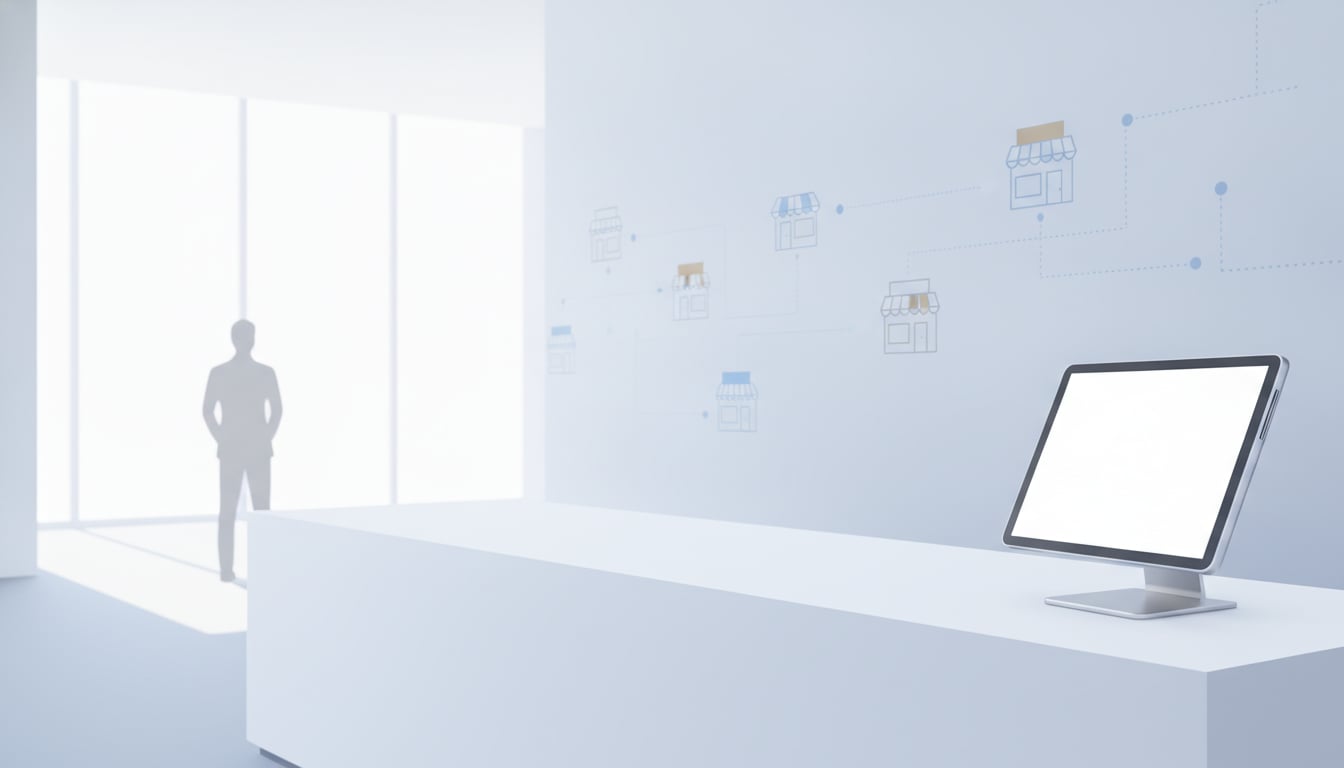
How a Tablet Reception App Centralizes Multi-Location Check-In
Reception With App turns any iPad or Android tablet into a self-serve check-in point at the entrance of each location. A visitor taps a button to identify themselves and why they're there - no training, no receptionist required - and every store runs on the exact same screen, buttons, and flow. That consistency is the foundation of a real franchise reception system: instead of thirty stores each improvising their own process, headquarters can define one standard and roll it out everywhere at once.
Automatic visitor notifications to Slack, Chatwork, or Teams
The moment someone checks in, a notification goes straight to staff through Slack, Chatwork, or Microsoft Teams - whichever your organization already uses. Each location can route notifications to its own local staff channel, while HQ can also be added to a shared channel to keep an eye on activity across every site without calling each manager individually.
Local flexibility, one unified operating standard
A franchise reception system doesn't have to mean rigid uniformity. Individual locations can customize their check-in screen's background image, button labels, or which staff member gets notified - while still running on the same underlying app, the same notification logic, and the same visitor-data handling policy across the whole network. Visitor data is also stored locally on each tablet by default rather than uploaded to a shared cloud, and if a device is ever lost, it can be remotely wiped using Find My iPad or Find My Device - a useful safeguard when managing dozens of devices across many sites.
3 Benefits of Standardizing Reception Across Locations
HQ sees every location's notifications land in real time
Because every store runs identical chain store front desk software, headquarters can add its own channel as a notification destination and see check-in alerts from every location arrive as they happen, instead of waiting on a phone call or an end-of-day report. That visibility simply doesn't exist when each site is running its own informal system.
New locations can launch reception in minutes
Opening a new franchise location - or replacing a tablet at an existing one - takes about 10 minutes: download the app, sign in to Slack, Chatwork, or Teams and pick the channel, and it's live, with no setup fee added per store. There's no custom process to document or IT ticket to file, which matters for franchise networks opening several locations a year.
Lower staffing and phone-transfer costs per site
A shared franchise reception system also removes the need to staff a dedicated receptionist at every location, or to route incoming visitor calls through a central switchboard. Visitors check themselves in, and the right staff member is notified directly - cutting both headcount and phone-transfer overhead on a per-store basis, which adds up quickly across a multi-site network.
What to Plan Before Rolling Out Across Locations
Standardizing check-in across many sites works best when a few decisions are made centrally before the tablets ship out, rather than left to each store manager to figure out independently.
Designing notification channels per location
Decide up front whether each location gets its own private Slack, Chatwork, or Teams channel, or whether notifications also flow into a shared HQ channel for oversight. Most multi-location operators land on both: a local channel for the staff who actually respond, and a shared channel where area managers or HQ receive notifications from every location across the network.
Building a shared visitor-response workflow
Write down - once - what should happen after a check-in notification fires: who responds, within what time frame, and what to do if no one acknowledges it. Because the app itself is identical everywhere, this workflow can be documented a single time and handed to every location, instead of being reinvented by each store's staff.
Conclusion: Consistency Through Systems, Not Manual Effort
Inconsistent front-desk experiences across locations aren't a training problem - they're a systems problem, and they need a systems-level fix. A proper multi-location visitor check-in setup replaces dozens of improvised, store-specific habits with one standard that every location runs identically, while still giving headquarters the real-time visibility, through consolidated notifications, that it never had before. There's no sales call and no signup form to test it - just download the app and try it on one location first.
Start for Free Right Now
$9.69/month on the App Store (Google Play pricing varies by region)
No setup fee, no sales calls, 30 days free


Roll out one consistent front desk to every location, and give headquarters the visibility it's been missing.