Real Estate Office Visitor Check-In: Greet Every Client While Agents Are Out Showing
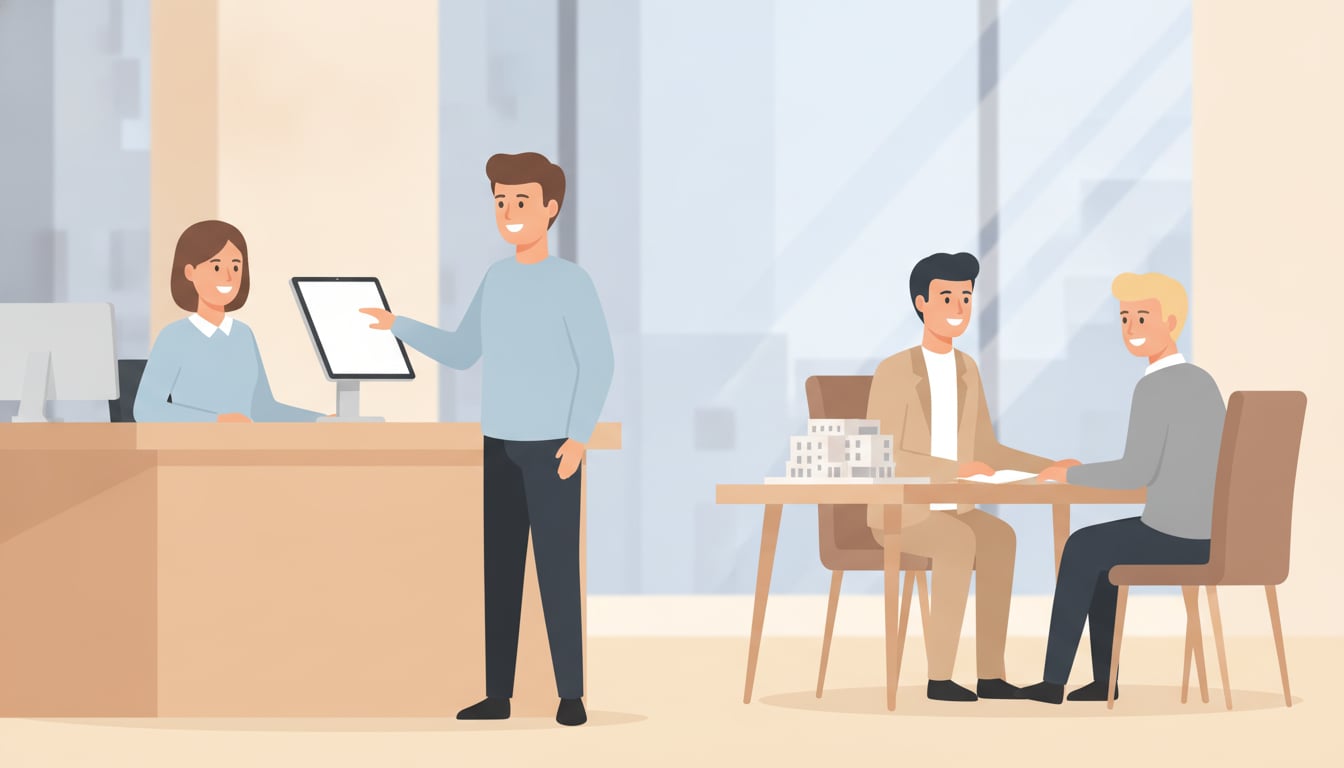
A buyer walks into your brokerage on a Saturday afternoon, ready to talk about a listing they saw online. The lobby is quiet. One agent is across town at a showing, another is on a listing appointment, and the last one is deep in a financing call with the door closed. The client waits, checks their phone, and leaves. A real estate office visitor check-in app on a single tablet fixes this exact gap: the client checks themselves in, your team gets an instant alert, and the visit is logged without anyone at the desk.
Why real estate offices lose walk-in clients
Real estate is a business that runs out in the field. On any given afternoon, most of a brokerage's licensed agents are at showings, listing presentations, inspections, or closings. The office itself is often the least-staffed place in the operation, and that is precisely where a serious buyer or seller decides to walk in unannounced.
Every agent is out showing a property or with a client
A walk-in client rarely picks a convenient moment. They come by after driving past a yard sign, on a lunch break, or right after seeing a listing on their phone. If your duty agent is mid-tour and everyone else is booked, there is no one to greet them, answer a quick question, or set an appointment. The visitor assumes the office is closed or uninterested and moves on to the next brokerage on the street.
Front desk phone tag interrupts active tours
The common workaround is to route the front door to a cell phone. Now an agent walking a family through a kitchen has to decide whether to interrupt the showing to answer, or let it ring and hope it was not important. Neither choice is good. A buyer touring a home does not want their agent distracted, and the person standing in your lobby does not want to wait on hold while someone tracks down whoever is free.
Paper sign-in sheets never reach your CRM
Offices that do capture walk-ins usually do it on a clipboard. Names and phone numbers get scribbled down, the sheet sits at the desk, and days later someone may or may not enter those leads into the CRM. Handwriting is misread, follow-up is late, and there is no reliable record of who visited, when, or which agent picked them up. A walk-in is one of the warmest leads a brokerage gets, and the paper sheet is where that lead goes to cool off.
How a tablet check-in app changes the front desk
Brokerage front desk automation does not mean installing a kiosk system or wiring up new hardware. It means putting one iPad or Android tablet at the entrance, running a check-in app, and connecting it to the chat tool your team already watches all day. The visitor does the tapping, and the app handles the routing and the record-keeping.
Clients check themselves in and the right agent is notified instantly
A client taps a button on the tablet that matches why they came: "I have an appointment," "I want to talk about buying," "I want to list my home," or the name of a specific agent. The moment they tap, a notification goes out. There is no waiting for someone to notice them, and no receptionist required for the greeting to happen.
- Label buttons by purpose or by agent so your team knows at a glance what is needed
- Route a "listing appointment" tap to the on-call agent and a named request to that person directly
- Customize the screen with your brokerage logo and branding so it looks like your front desk, not a generic form
Alerts land in Slack, Chatwork, or Teams, even off-site
Notifications arrive through Slack, Chatwork, or Microsoft Teams, whichever your office runs. Because the alert hits a phone and not the lobby, an agent at a showing can glance at it between rooms, reply to a teammate to cover the visitor, or text the client directly to say someone will be there in ten minutes. Slack and Chatwork work on their free plans; Teams needs a paid Microsoft 365 plan.
Every visit is logged automatically for follow-up
Each check-in is saved with a timestamp inside the app, so you have a clean history of who came in, why, and when, without anyone transcribing a clipboard. That record makes it easy to hand a walk-in to the right agent, confirm follow-up happened, and see how much foot traffic each office actually gets.
Where it fits: brokerages, showrooms, and open houses
A property showroom sign-in system earns its keep anywhere clients arrive faster than staff can meet them. That covers a main brokerage office, a sales center for a new development, a model home, and a staffed open house. In each case the pattern is the same: a tablet at the door, self-serve check-in, and an instant alert to whoever is on duty.
Managing multiple offices and model units from one account
A brokerage with several branch offices, or a builder with a handful of model units across a subdivision, can run a tablet at each location and send every notification into the same set of chat channels. A floating agent covering three model homes on a weekend sees each check-in as it happens and knows which unit to drive to, instead of guessing or circling back to an empty house.
Separating scheduled showings from cold walk-ins
Give the check-in screen distinct buttons for "I have an appointment" and "I just stopped by." Scheduled clients confirm their arrival and their agent gets a heads-up; cold walk-ins are flagged as new leads and routed to whoever is on call. Your team can prioritize correctly without a person at the desk sorting visitors by hand.
Setup and cost: about 10 minutes, roughly $7/month
Setup is four steps: put a tablet at the entrance, download the app, connect your Slack, Chatwork, or Teams account, and place the check-in screen where clients will see it. There is no signup, no sales call, and no IT skills required, so most offices are live in about 10 minutes. Pricing is $9.69 per month on the App Store (Google Play pricing varies by region), with no setup fee and a 30-day free trial to test it against a few real weekends before you commit.
Takeaway: capture every client without dropping service quality
When your agents are doing their jobs, they are out of the office, and that is exactly when walk-in clients show up. A real estate office visitor check-in app on one tablet lets those clients check themselves in, alerts the right agent instantly, and logs every visit for follow-up. Start the 30-day free trial and see how many walk-ins you were missing.
Try it free for 30 days, no setup fee.


For more on the industry fit, see our real estate reception page.