Visitor Management System vs. Access Control: What's the Difference and Which Does Your Business Need?
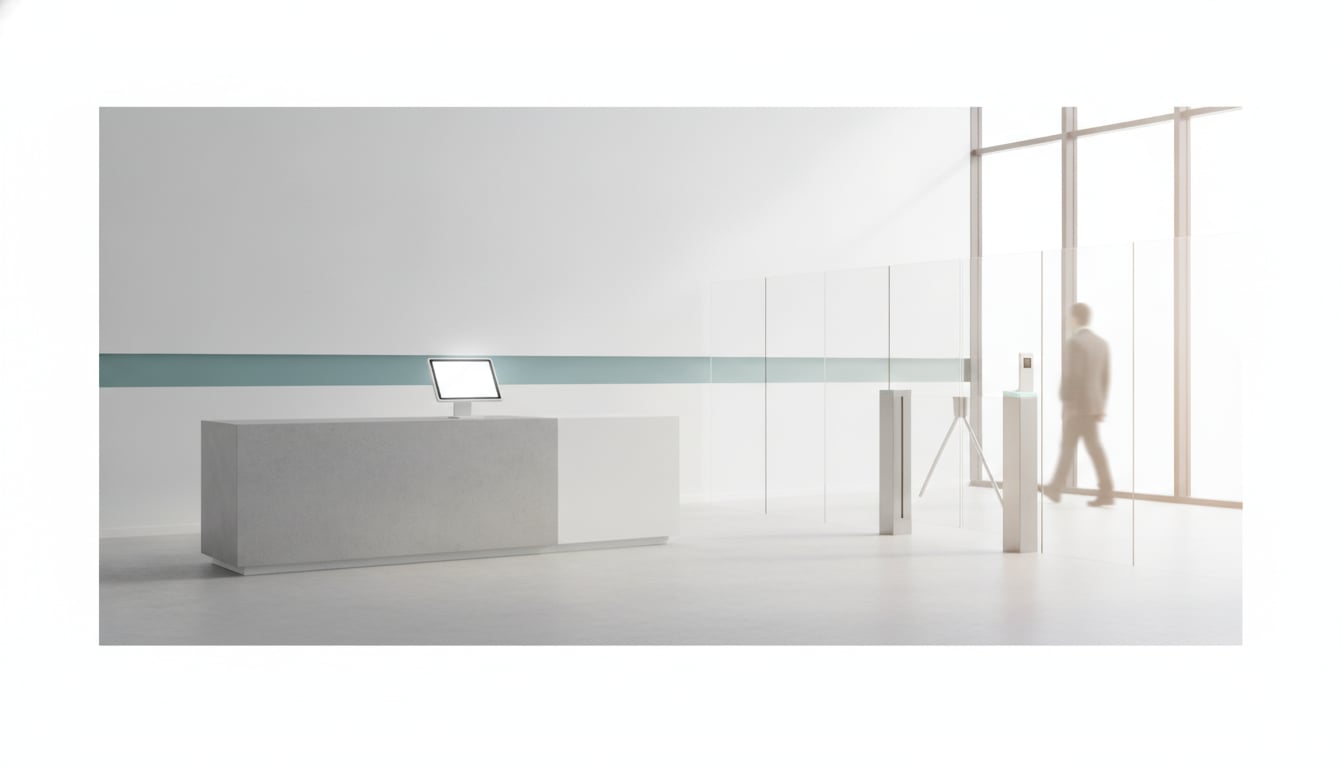
You searched for a simple check-in kiosk for your lobby. Somehow you ended up with quotes for badge readers, turnstiles, and electric door locks. If you're now wondering whether those are the same thing, you're not alone. The visitor management system vs access control question confuses many small business owners and office managers.
Here's the short answer: visitor management is about who's here and who needs to know. Access control is about who's allowed in. One greets and records guests. The other locks and unlocks doors.
This guide explains what each one does, how they compare, and how to tell which one your front door actually needs.
What a Visitor Management System Does
A visitor management system handles the guest side of your front door. A visitor walks in, signs in on a tablet or kiosk, and the person they came to see gets an alert. Behind the scenes, the system keeps a record of who came, when, and who they met.
That's the core loop: check in, notify, log. It replaces the paper sign-in sheet, the desk bell, and the "Can you tell Sam I'm here?" phone call. Nobody has to sit at the desk for a guest to be greeted and announced.
Notice what it doesn't do. A visitor management system usually doesn't stop anyone from walking past the lobby. It tells you who arrived. Keeping people out is a different job.
Simple check-in apps vs. full visitor management platforms
When you compare the types of visitor management systems, they fall roughly into two groups.
- Simple check-in apps run on a tablet at the entrance. A guest taps a button or enters their name, and a host gets notified. They focus on getting the right person to the lobby quickly.
- Full visitor management platforms add more steps around the visit. Common examples include pre-registration (guests fill in details before they arrive), email invites from hosts, and printed name badges for guests to wear.
Neither is better in general. The right one depends on how many guests you get and how much process you want around each visit.
What an Access Control System Does
An access control system decides who can physically open a door, and when. It's built mainly for the people who belong in the building: employees, regular contractors, and tenants.
A typical setup has four parts:
- Credentials: the "key" a person carries, such as a key card, a key fob, or a phone app.
- Badge reader: the small panel next to the door that reads the credential.
- Door controller: the box that checks whether that credential is allowed through this door at this time.
- Electric lock: the lock that releases when the controller says yes.
Administrators set rules, for example "the warehouse team can open the loading dock on weekdays only." The system also logs each entry, so you can see which credential opened which door.
Because readers and locks are attached to real doors, access control usually means professional installation and wiring. In a rented space, you may also need the landlord's permission before anyone drills into a door frame.
Side-by-Side Comparison
Both systems sit at the entrance and both keep logs, which is why they get mixed up. But they answer different questions. Visitor management asks "Who is this guest, and who should know they're here?" Access control asks "Is this person allowed through this door?"
The table below puts the main differences in one place.
| Visitor Management | Access Control | |
|---|---|---|
| Main job | Welcome guests, notify the host, keep a visit log | Allow or deny entry through specific doors |
| Who it's for | Guests, clients, delivery drivers, interviewees | Employees, regular contractors, tenants |
| What sits at the door | A tablet or kiosk | Badge readers, door controllers, electric locks |
| Installation | Usually none beyond placing a device | Usually wiring and mounting hardware on doors |
| Typical setup effort | Light; often done by office staff | Heavier; usually done by an installer |
| Best for | Offices and front desks that need to know when guests arrive | Restricted areas, after-hours security, shared buildings |
Do You Need One, the Other, or Both?
If you're asking "do I need a visitor management system," start with the problem you're trying to solve. Is it guests waiting unnoticed, or people getting into places they shouldn't?
Choose visitor management if...
- Walk-in guests or delivery drivers wait at the door because nobody noticed them.
- You don't have a full-time receptionist, or the front desk is empty for part of the day.
- You want a digital visitor log instead of a paper sheet that anyone can read.
In these cases the front door isn't a security problem. It's a communication problem, and that's exactly what visitor management fixes.
Choose access control if...
- You have restricted areas, like a server room, stockroom, lab, or records room.
- You need to secure the building after hours, when nobody is around to watch the door.
- Your insurer, a client contract, or an industry rule requires controlled entry.
Here, access control is the right tool. A check-in tablet can tell you who arrived, but it can't keep a door shut. If keeping people out matters, don't try to make visitor management do that job.
When you need both
Larger sites, multi-tenant buildings, and offices with both a busy lobby and sensitive areas often use both. Guests check in at the front, while employees badge through secured doors further inside.
Some products combine the two, so a guest's check-in can trigger a temporary credential or unlock a door. This "visitor management with access control integration" category makes sense when the two systems need to share data. For a small office with one entrance, it's often more than you need.
Quick Checklist Before You Buy
Before you talk to any vendor, answer these five questions. They'll point you in the right direction faster than any feature list.
- Daily visitor volume: A handful of guests a day needs far less than a constant stream of visitors.
- Unstaffed hours: When is nobody at the front? Those are the hours when guests get missed.
- Where your team already chats: If everyone lives in Slack or Microsoft Teams, alerts should land there, not in another inbox.
- Where visitor data should live: Decide whether you're more comfortable with records kept on the device or stored in the cloud.
- Hardware in your building: Can you mount readers and locks on your doors, or does your lease rule that out?
Start Small: A Tablet Check-In App
If your goal is simply "know when a guest arrives and alert the right person," a tablet app is a low-cost place to start. Reception With App is one example.
- Runs on an iPad or Android tablet.
- Sends visitor alerts to Slack or Microsoft Teams, so your team can see them on a smartphone, PC, or tablet. You connect each tool by signing in and approving access. Chatwork is supported too. Slack and Chatwork work on free plans; Teams requires a paid Microsoft 365 plan.
- Keeps visitor data on the device. It isn't sent to the cloud.
- Can be pinned with iOS Guided Access or Android screen pinning, so guests can only use the check-in screen.
- From $9.69/month in the U.S. (varies by store and country), with $0 setup and a 30-day free trial with all features.
To be fair: it's a check-in and notification tool, not a lock. If you need to restrict entry, pair it with, or choose, an access control system.
For more background, see our guides to visitor management system cost, running an unmanned reception, and locking a lobby iPad to one app.
The Bottom Line
Visitor management and access control solve different problems. If guests go unnoticed and nobody knows who's in the building, start with visitor management. If people get into places they shouldn't, or a rule requires controlled entry, invest in access control. If you have both problems, plan for both.
Work out which problem you actually have first. Then buy the tool that solves it.
Try Tablet Check-In Free for 30 Days
Try tablet check-in free for 30 days, with no setup fee and no sales call. Install it on an iPad or Android tablet and get visitor alerts in Slack or Teams.