Coworking Space Reception: Never Miss a Walk-In Guest Without Front Desk Staff
Most coworking spaces run lean — one or two people handling move-ins, member support, and daily operations, not a dedicated front desk. But visitors don't check your staffing chart: a member's guest, a tour prospect, or a delivery still shows up expecting someone to greet them. When no one's watching the door, you lose a tour lead, leave a guest waiting awkwardly, or pull a teammate out of a call. Solving coworking space visitor check-in doesn't require hiring a receptionist — just making sure the right notification reaches the right person the instant someone walks in.
Why Coworking Spaces Struggle with Walk-In Guests
Unlike a traditional office lobby with someone stationed at the front, most coworking spaces are built around self-service: members badge in, book rooms online, and don't need staff supervision to get through the day. That model breaks down the moment someone shows up who isn't a member.
Lean staffing means no one's always at the door
Community managers are usually running tours, fielding support requests, or working from a desk that isn't within eyeshot of the entrance. There's no rotation of staff dedicated to watching for who walks in, so a visitor can stand at the door for several minutes before anyone notices.
Members, guests, tour prospects, and deliveries all show up differently
A member's guest expects to be walked to a meeting room. A tour prospect wants a good first impression that turns into a signed membership. A courier just needs someone to sign for a package. Each of these visitors needs a different response, but none of them are members — so none of them can simply badge through the door like everyone else.
What a Tablet Check-In App Actually Solves
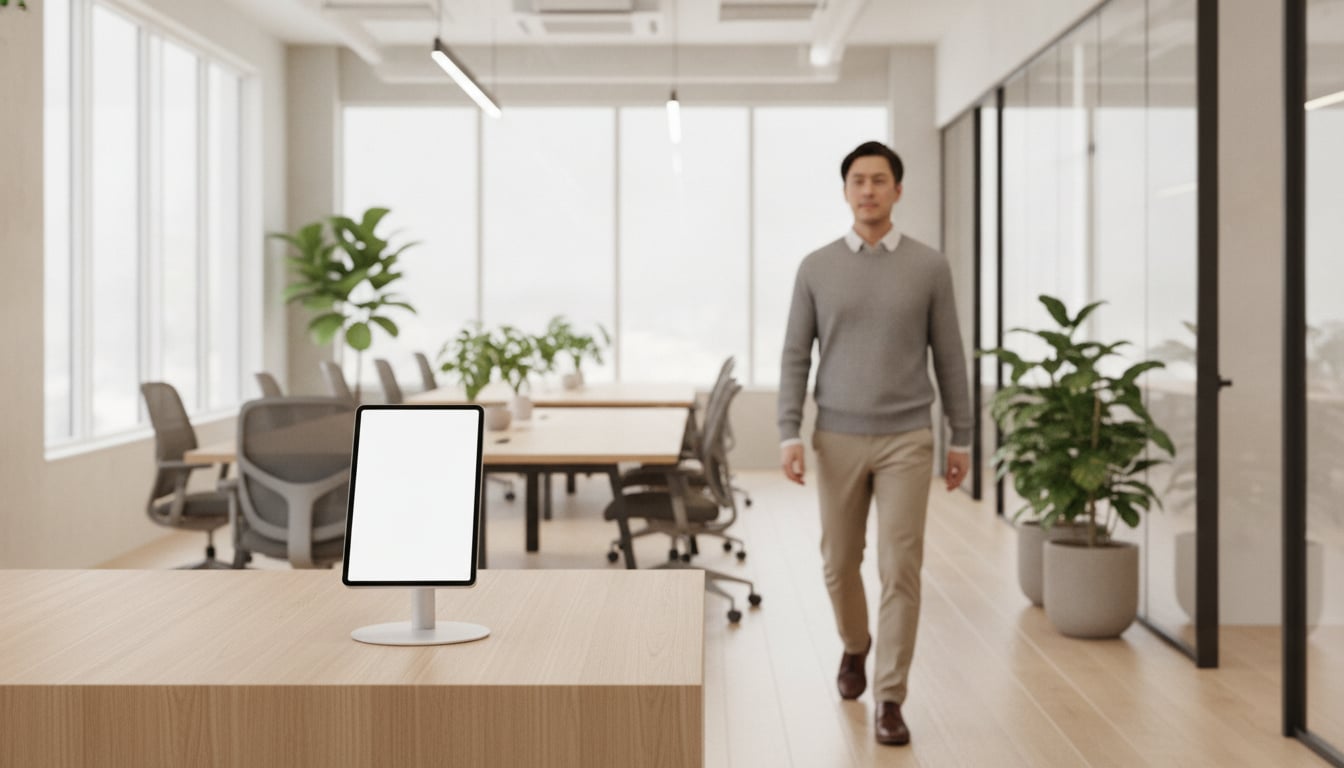
A tablet mounted near your entrance turns that guessing game into a simple check-in flow. This is the core of guest management coworking operators actually need: not a full reception desk, just a fast way to tell the right person someone has arrived.
One tablet, instant notification to the right host
A visitor taps their reason for visiting — meeting a member, touring the space, or dropping off a delivery — and the app sends an instant notification to the person or team responsible for that kind of visit. No one has to be stationed at the door, and no visitor is left wondering if anyone noticed them.
Works with the tools your team already uses (Slack, Chatwork, Teams)
Notifications route straight into Slack, Chatwork, or Microsoft Teams (available to paid Microsoft 365 users only), so staff see the alert wherever they're already working — at the community management desk, in a meeting, or on their phone between calls. There's no new tool to learn; it's simply a shared office reception system layered on top of the chat app you already rely on.
The Benefits for Shared Office Operators
For operators, the payoff shows up in day-to-day details, not in a stack of new reports to check.
Guests are greeted even when no one's at the desk
Because the notification goes out the moment someone checks in, a guest is never standing alone in the lobby while your team finishes what they were doing. Even with a two-person team, coverage feels like a full front desk.
Keep member access separate from guest check-in
Members still come and go using whatever access method your space already has set up. The check-in tablet is strictly for non-members — guests, tour prospects, and deliveries — so regulars aren't asked to check in like a first-time visitor every time they walk in.
Visitor data stays local — a privacy plus for your members' clients
Because visitor information is stored locally on the device by default rather than uploaded to a central server, you can tell prospective members and their clients that their check-in details aren't sitting in the cloud somewhere. For a shared office reception system serving multiple member companies and their guests, that's a meaningful privacy detail to point to.
Getting Started
Getting a tablet check-in system running takes an afternoon, not a procurement process:
- Download the app on an iPad or Android tablet — no sign-up or sales call needed to start.
- Set up check-in options like "Visiting a member," "Touring the space," or "Delivery," and connect Slack, Chatwork, or Teams so notifications land where your team already talks.
- Place the tablet near your entrance so it's the first thing a non-member visitor sees.
- Start your 30-day free trial and fine-tune notification routing as you see how guests actually use it.
If you run more than one location, the same setup scales tablet by tablet — see our guide to multi-location reception for details.
Conclusion
Coworking space visitor check-in isn't about replacing your community team — it's about making sure a guest, tour prospect, or delivery never has to wait at an unmanned door while everyone's busy elsewhere. A single tablet, tied into the chat tool your team already uses, turns "did anyone see that person come in?" into an instant notification. With no setup fees and a 30-day free trial starting around $9.69/month, it's a low-risk way to make your space feel staffed even when it technically isn't.
Start for Free Right Now
$9.69/month on the App Store and Google Play
Zero initial costs, no contracts